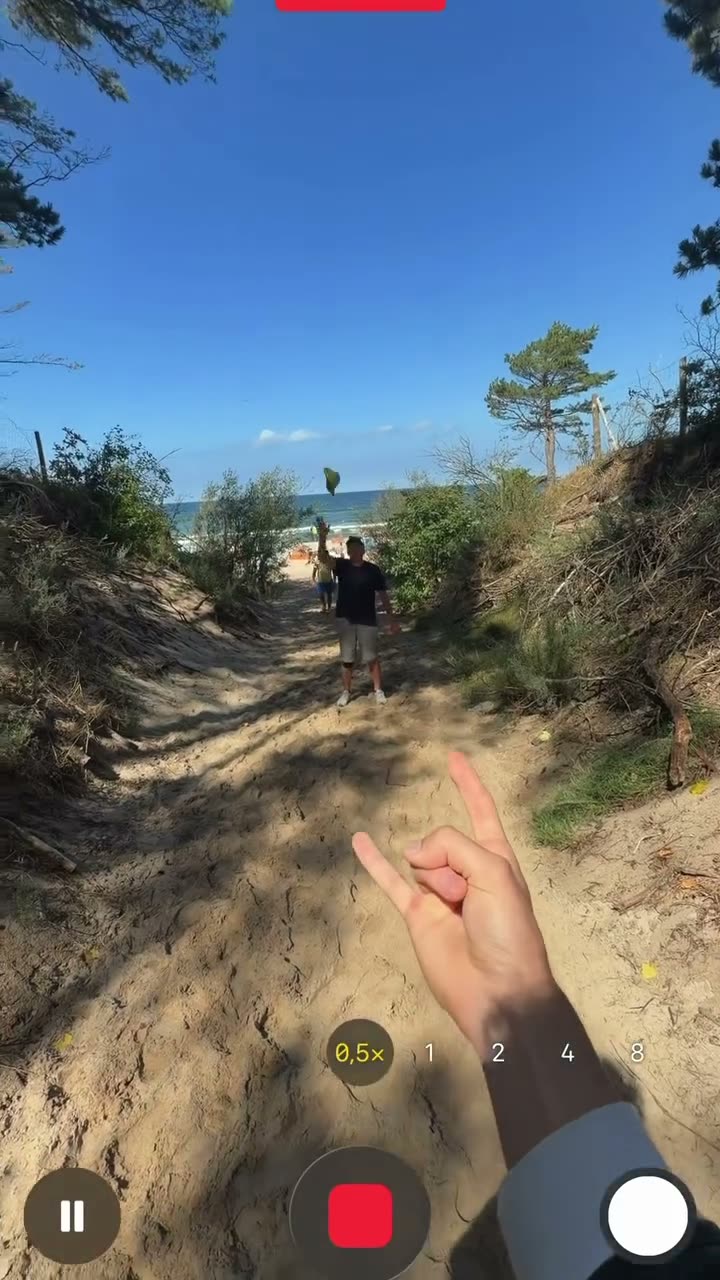
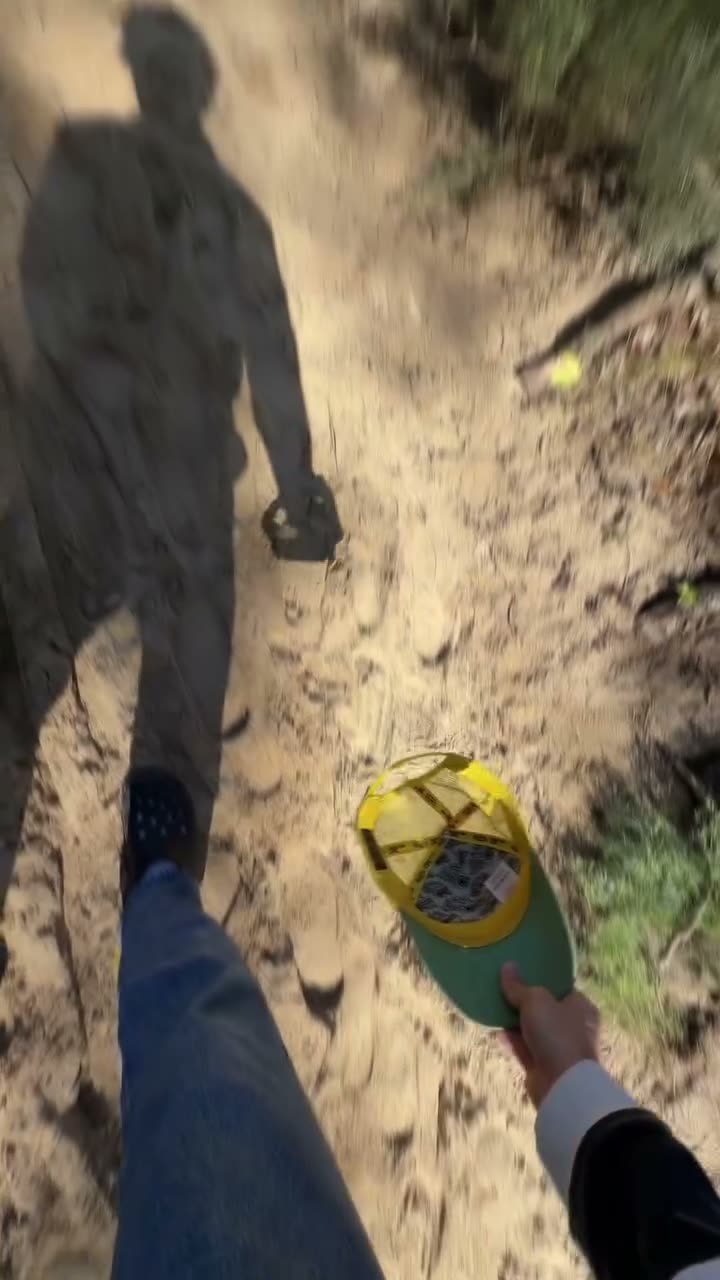
Grab your phone and ask a friend to throw your cap as high as possible into the air.
We broke down @kevkevkiwi's 6.0M-view video cut by cut. Show the finished effect first, then walk the build with screen recording, naming every tool exactly so a viewer can pause and copy. If your product is the tool, this format is your how-to video.
6.0M views · 66.5s · 12 cuts (5.5s avg) · posted 2026-08-21 · est. media value $48.1K~$78.2K · watch the original ↗
Hook · the first 3 seconds
"Grab your phone and ask a friend to throw your cap as high as possible into the air."
On screen The finished effect plays first, then it cuts to filming. The opening shot holds to 5.7 seconds.
Why it works Result first. Sixty-six seconds needs a reason to watch inside the first frame.
Timeline · second by second
- 0:00-0:13
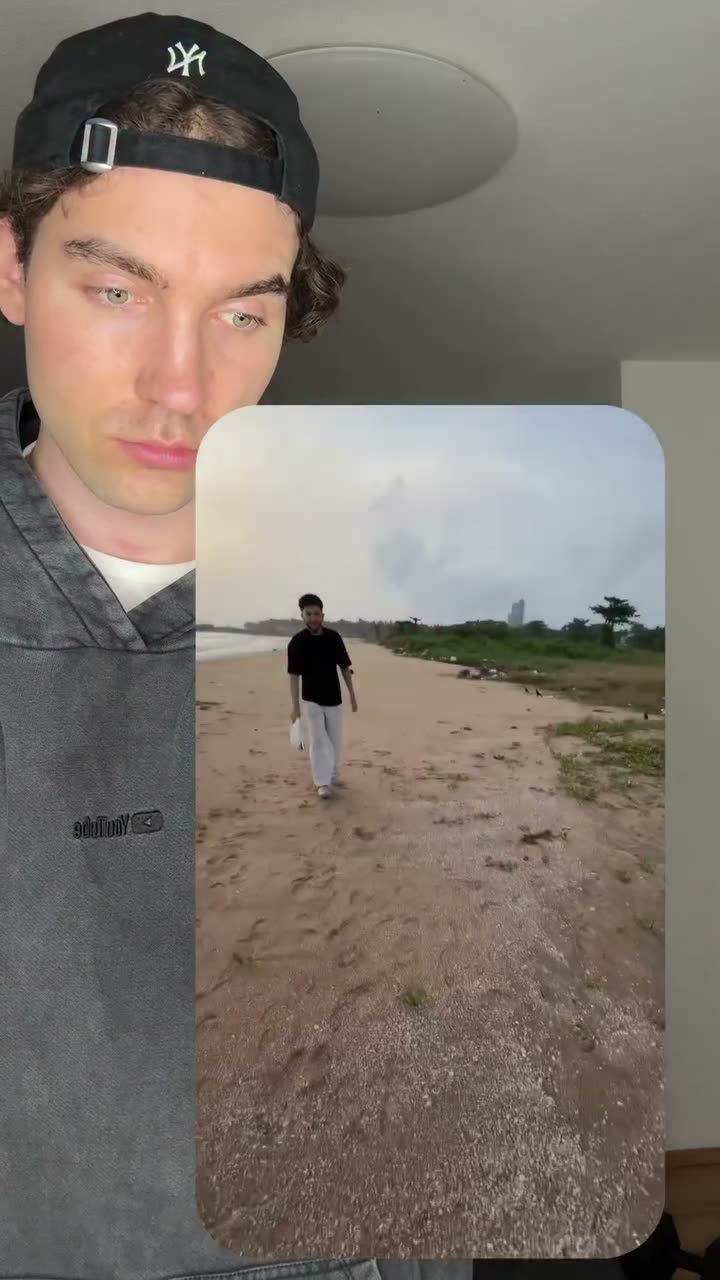 Two clips to shoot One clip of the throw, one of pretending to catch it.Materials get defined first. An editing tutorial that starts with shooting directions has the order right.
 - 0:13-0:22
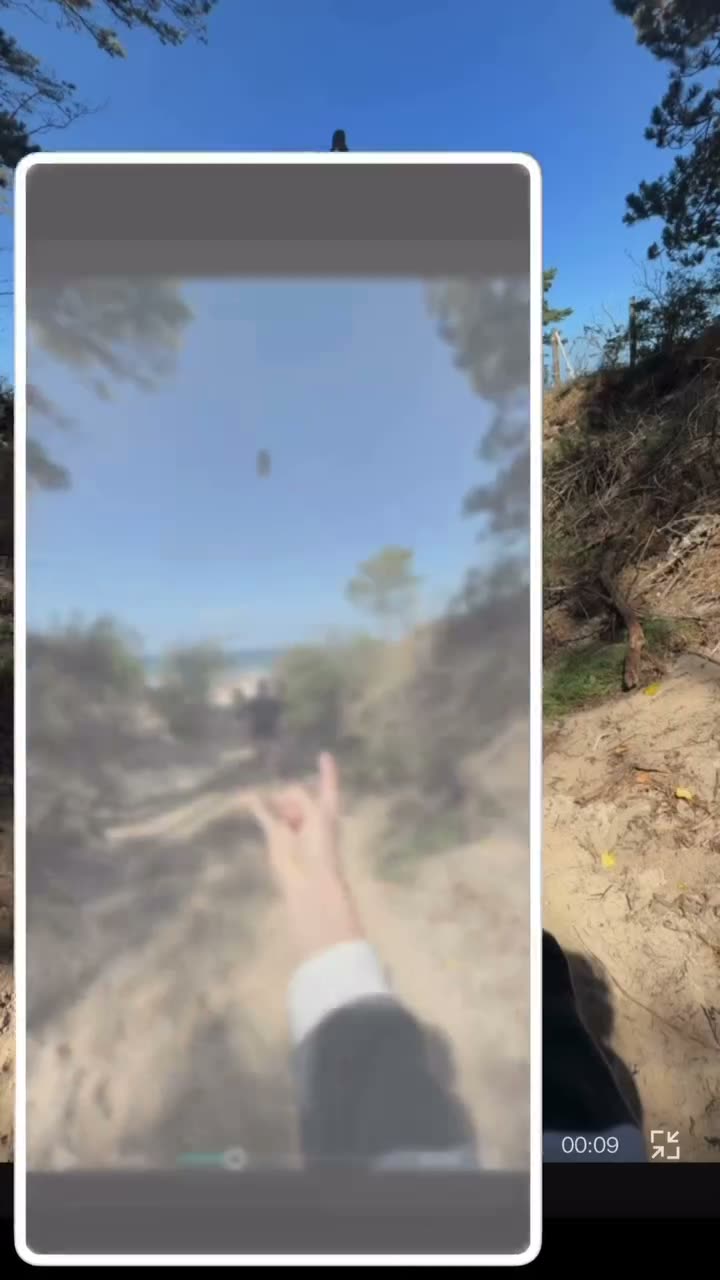
 Trim and cut out Import into CapCut, trim, screenshot the cap mid-air, remove the background.Screen recording starts here, showing which menu the finger lands on.
 - 0:22-0:45
 Scale frame by frame Set a break point, grow the cap one frame at a time, then add motion blur to sell it.Twenty seconds go to the fiddliest part. Skipping the hard bit is where followers get stuck.
 - 0:45-0:57
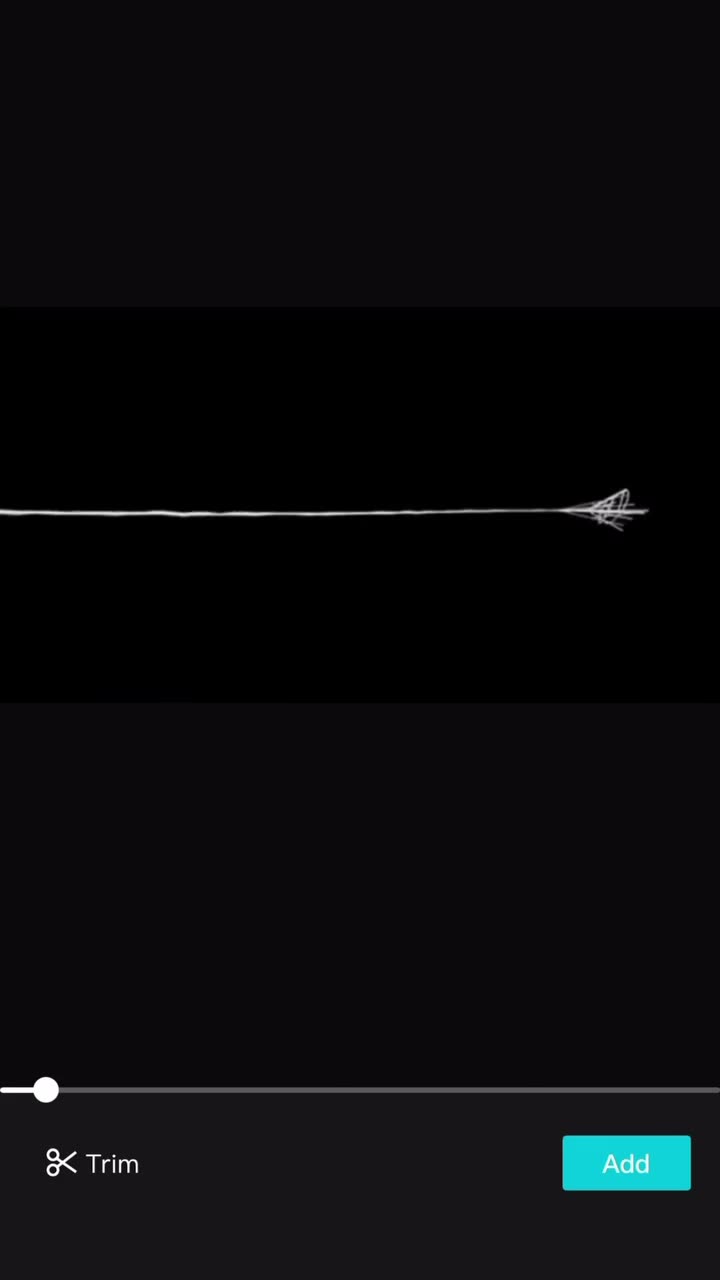 Layer the asset Overlay the spider web clip and filter out the black background, with a note that the asset is on his profile.It says where to get the material. That one line is what drives profile visits.
 - 0:57-1:07
 Close A reminder to match size and position frame by frame.It ends on 'sloppy shows', leaving a quality bar behind.
Sound · original script
Music Average -16.3dB with no silent stretch, narration riding over the music the whole way.
Voice Calm instructional tone with imperative verbs that are easy to follow.
- "Grab your phone and ask a friend to throw your cap as high as possible into the air. (0:00)"
- "Make a second clip of you acting like you just caught your cap. (0:09)"
- "Now open up CapCut and import your clips, start by trimming the first clip. (0:13)"
- "Now take a screenshot of the cap in the air. (0:17)"
- "We only need the cap, overlay that image and go to remove background. (0:21)"
- "Get your first break point and then frame after frame increase the size of the cap. (0:28)"
- "Currently it doesn't look realistic. We need to add some blur, so go to effects and then video effects. (0:37)"
- "Next overlay that spider web video. You will find it in my channel or my profile. (0:44)"
- "Make sure to adjust the size and the location frame by frame. (0:53)"
Editing
Rhythm 12 cuts across 66.5 seconds, 5.5 on average. Screen-recorded stretches run long, live-action ones get cut short.
Captions Spoken captions throughout, so tool names and menu names stay on screen as text.
Camera Handheld for live action, screen recording for the edit, alternating between the two.
Shoot it in this order
- Show the finished result in the first three seconds. Longer videos need the reason up front.
- Start with shooting directions: how many clips, and of what.
- Screen record so menu positions are visible. Words alone can't be followed.
- Spend the most time on the fiddliest step, because that's where people stall.
- Say where to get the assets. Profile visits come from that line.
- Close on a quality bar: sloppy work shows.
If your product is the tool, it goes where the editing app sits. Host the assets on your own channel and the visits follow.